
Name-Based Case Searches
To run a Jones County docket search by name, the eCourts Portal guide tells you to type the person's name in last-name, first-name order through Smart Search. Try the known spelling first. If the matter is local, narrow the results to Jones County. That keeps you from wading through matches from other counties. Treat a name search as a research step only. It is never a conclusion about a person or an event. A no-match screen can mean many things. The term may be incomplete, formatted differently, restricted, or simply absent from the record set.
- Open the North Carolina eCourts Portal and enter basic criteria for the Jones County case.
- Enter the name in the documented last-name, first-name order, or use a known case number instead.
- Choose Jones County in Location when that filter is available, then use only the additional filters that help distinguish the case.
- Select a case-number result to open the Jones County Register of Actions, then confirm an official record need with the Clerk of Superior Court.
The Smart Search inventory listed here follows the Portal guide and FAQ. Portal updates can change live labels and dropdown values. So read the documented list as a field guide, not a permanent promise of every interface option.
| Field or control | Type | Required | Documented Jones County use |
|---|---|---|---|
| Basic Search Criteria | Text entry | Yes before advanced filtering | Enter a case number or person name, last name first. |
| Advanced Filtering | Expand or collapse | Optional | Cannot stand alone; first enter basic criteria. |
| Search Type | Dropdown | Conditional | Party Name, Case Number, Citation Number, Attorney Name, Attorney Bar Number, Business Name, Case Cross-Reference Number, or Nickname. |
| Location | Dropdown | Optional | Use Jones County when the matter is known to be local. |
| Party Search Criteria | Text with selector | Conditional | Name is the baseline party search. The guide says no wildcard is needed. |
| Date of Birth From or To | Date fields | Optional | An exact date or range can narrow a name result; public output masks the date of birth. |
| Case Type | Dropdown | Optional | Examples include criminal, infraction, Civil General, Civil Magistrate, foreclosure, domestic, probate, mental-health, and other category families. |
| Case Status | Dropdown | Optional | Values vary by case type and include documented examples such as Pending, Disposed, Archived, Remanded, and Transferred Superior Court. |
| Submit | Button | Yes | Runs the Jones County search after usable criteria are entered. |
| Case number result | Link | Conditional | Select the result to display the Register of Actions. |
Jones County Docket Search Tools
Smart Search is the statewide public lookup tool for Jones County court dockets. Feed it a case number or a person's name as basic criteria. Choosing the case-number link opens the Register of Actions. Jones County joined eCourts when the court system announced a February 3, 2025 go-live. That is why the county's lookup lives inside a statewide environment instead of a separate county-owned database. The official Portal entry interface is the right public starting point for a Jones County case lookup. Its access limits still apply.
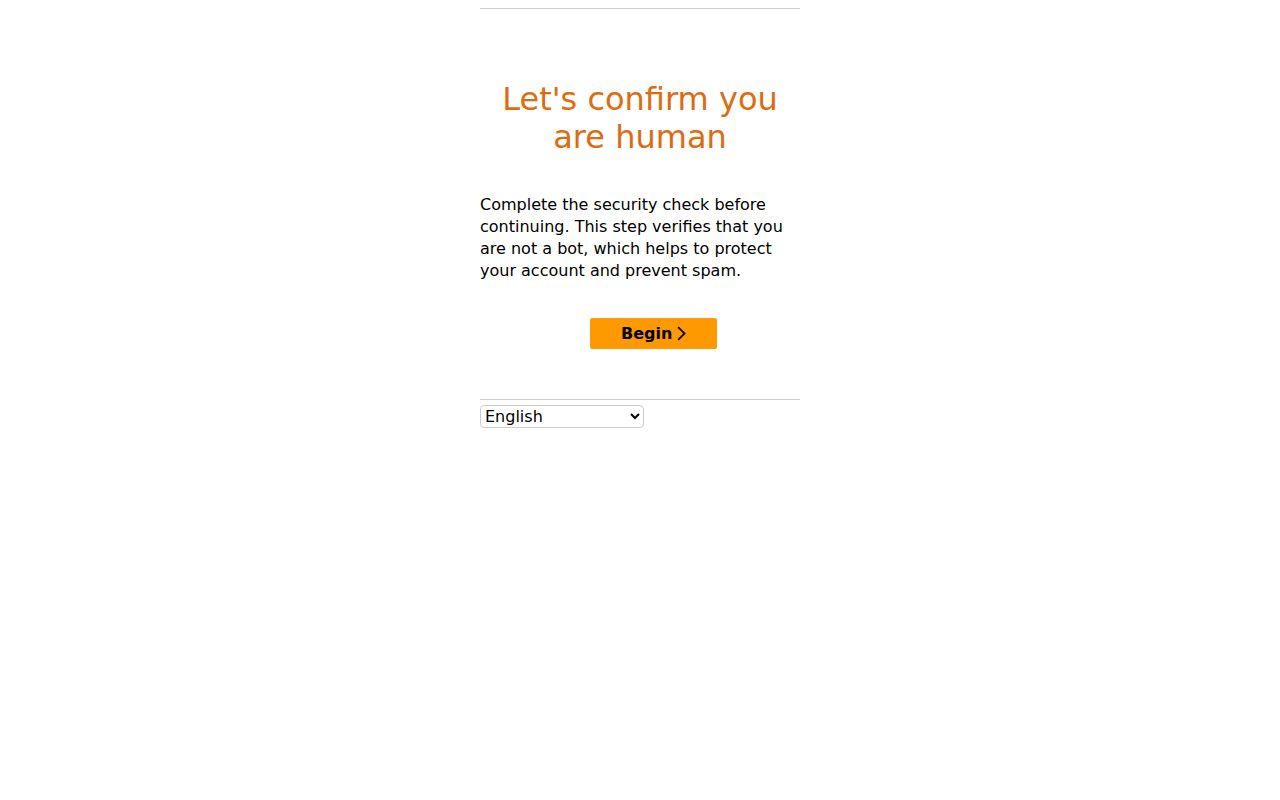
That view supports a Jones County Portal search explanation. It displays no person's case result or private payment information. eCourts File & Serve is something else entirely: a separate system for authorized filers. It is not a public docket-search substitute. Filing access never makes a Jones County document public. Keep the public lookup and the filing task apart. The official eCourts File & Serve landing page shows the separate filing environment.
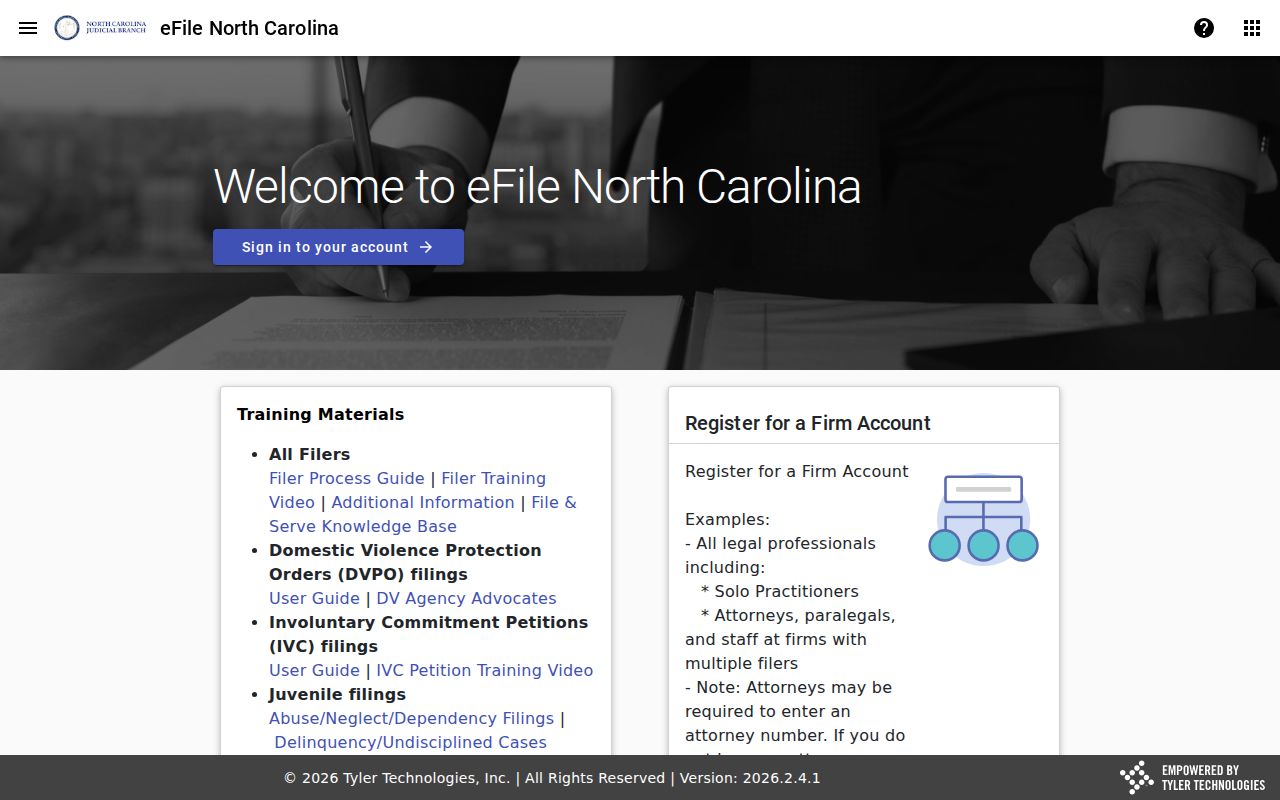
For public case information in Jones County, go back to the Portal or the Clerk. Do not treat the filing entry point as an open records index.
Case Number Searches
A known Jones County case number is usually the fastest Smart Search criterion. The Portal guide expects an exact number for case-number searches. No reliable universal case-number format for Jones County can be safely recreated here. So never guess a year, a case-type code, or a sequence. Copy the complete number from a court notice, citation, calendar line, or other official material. Enter it exactly as written. Use the exact case number shown on the official court material rather than any invented sample pattern.
If the number returns no Jones County result, first check for a transcription error. Then confirm the court location. Or ask the Clerk whether the public file can be found through a name and an approximate date. A transferred or appealed matter may require searching a different location.
A bare citation is different. Smart Search lists Citation Number as a Search Type. That route can help you locate the Jones County court case. It does not establish that the citation can be paid, waived, or resolved without an appearance.
Jones County Docket Search Filters
Advanced Filtering works best after Smart Search already has basic criteria. The Portal guide states plainly that it cannot run as a stand-alone search. For a common name, the Jones County Location filter, case type, case status, and an available date-of-birth range can clear away unrelated matches. The guide warns against selecting Party Name a second time under advanced criteria. It also says no wildcard is needed for the baseline name search.
Which filter helps most depends on your question. Case Type separates documented groups such as criminal, infraction, civil general, civil magistrate, foreclosure, domestic, probate, and mental-health categories. Status choices shift with the case type. Documented criminal examples include Pending, Disposed, Pending Expungement, Remanded, Transfer Another County, Transferred Superior Court, and Voluntarily Dismissed with Leave. These are interface classifications only, never descriptions of a person's case.
Public output masks date of birth. The Portal guide reserves unmasked viewing for authorized elevated access. That boundary is a good reason to use only what you need to focus a Jones County search. It also argues against publishing a result's personal details. Start with Jones County and one precise search term. Then add a single Portal filter at a time if the first result set runs too broad.
Case Search Results Explained
A Jones County Portal result can open a Case Summary or a Register of Actions. Per the official FAQ, that view may include case, assignment, and party information; causes of action for Civil, Family, Probate, and Mental Health categories; case events; dispositions; hearings; and financial information when applicable. The word "may" carries weight here. Any field can be limited by the case category, access rules, processing, or simply what exists online.
| Case information | Basic Jones County case identity and assignment information that the Portal may show. |
|---|---|
| Party information | Case parties in the Case Summary, subject to public-access rules and masked fields. |
| Cause of action | A possible section for Civil, Family, Probate, and Mental Health case categories. |
| Case events | Recorded events in the Jones County Register of Actions, which provide the case-history view. |
| Dispositions | Outcome-related entries that may appear when applicable, not a substitute for an official certified copy. |
| Hearings | Hearing information, which should be checked against the current court schedule for an important date. |
| Financial information | A possible applicable section. The FAQ says Register of Actions financial information controls over a judgment index for current financial status. |
Need the date of a hearing? The Jones County court schedule covers what is planned. The Portal's case history answers a different question. Its Case Summary and Register of Actions show what has already happened in the case file.
Jones County Docket Search Terms
North Carolina's Portal guidance calls the online case-history view a Register of Actions or Case Summary. Those names matter. They are more exact than treating every Jones County court docket as a file you download. Click a case-number result to open the Register of Actions, then read the events, hearings, dispositions, and financial entries in context. A Judgment Search stays narrow. It is not the whole Jones County case record.
- Smart Search
- The Portal's general public lookup for a Jones County case number or person name.
- Case Summary
- A Portal view that may collect case, party, event, hearing, disposition, and applicable financial information.
- Register of Actions
- The online Jones County case-history view reached from a selected case-number result.
- Judgment Search
- A narrower Portal search that can show case number, disposition status, index time, parties, and judgment comments.
When you need the full Jones County case record, Judgment Search cannot replace Smart Search. The FAQ points users to Smart Search for that purpose. It also says the Register of Actions controls current financial status. The judgment index does not control. That keeps the Jones County criminal docket and civil docket details in one authoritative view.
The NCAOC public-record policy draws a useful line here. It separates administrative agency material from a Jones County court case file.
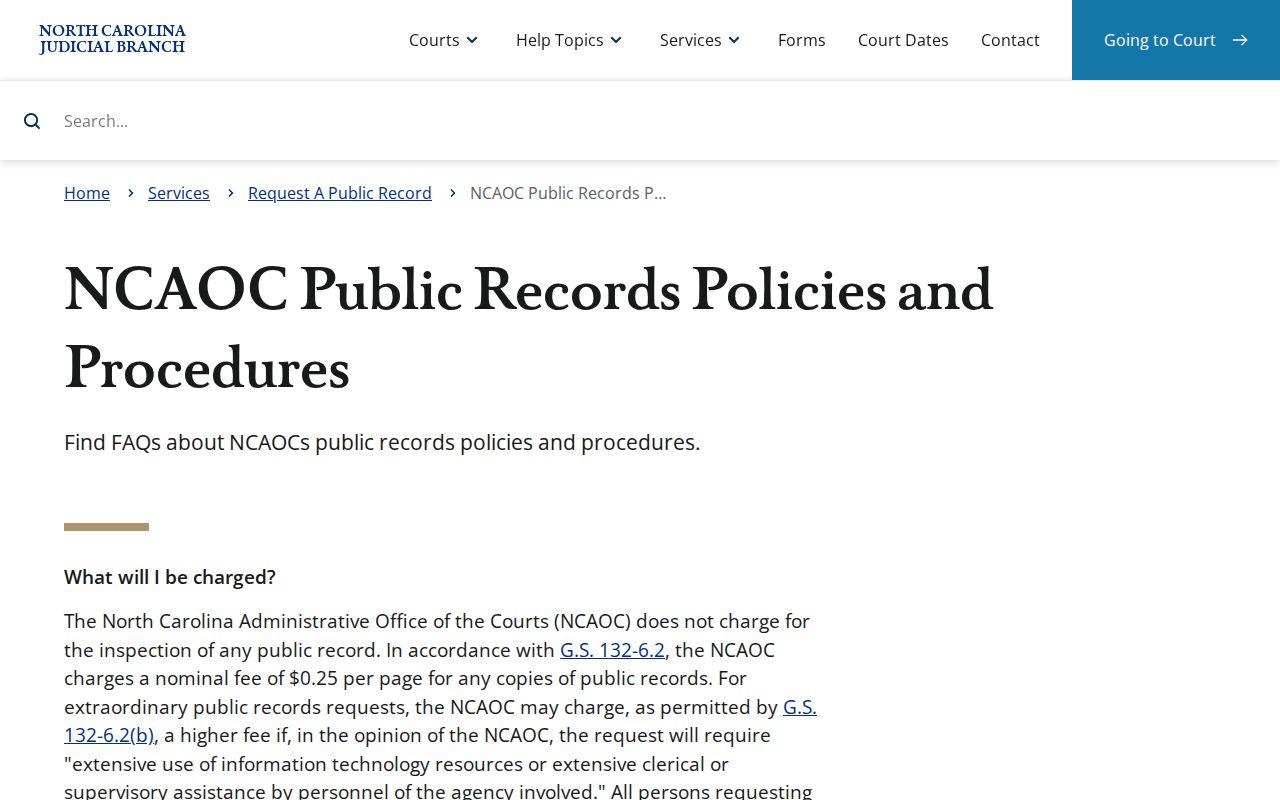
That policy also reminds you of something practical. A Jones County court file stays with the clerk as custodian, even when the Portal gives the public a useful view of it.
Two Ways to Search: County and State
Jones County has no separate county-only public docket portal that is documented. Searching still runs through the statewide eCourts Portal, which offers two routes. Use the Location filter for a Jones County-focused docket search. Or search statewide through the same public system. So the choice is really about scope within one official Portal, not two rival databases. For an official file, a public terminal, or a certified copy, the Clerk of Superior Court remains the county channel. That office holds what the Portal only displays.
| Jones County-focused Portal search | Statewide Portal search |
|---|---|
| Use Location to focus on Jones County when the local court is known. | Use another or broader location when a transfer, appeal, or place of filing is uncertain. |
| Best for a known Jones County case, hearing, or clerk follow-up. | Best for checking the official state system beyond the Jones County location. |
| Can lead to the Jones County Register of Actions. | Can lead to an eligible record at a selected participating North Carolina location. |
| Portal information remains a public convenience view. | Portal information remains a public convenience view, not an official court copy. |
Jones County Docket Search Limits
Smart Search stops a result set at 200 results. For Jones County, that cap means your query was too broad, not that the first screen shows everything. Narrow it. Use the Jones County Location filter, a full case number, case type, case status, or another limiting field. The Portal guide expects an exact case number on that path. No wildcard is needed for a basic name search.
A missing Jones County result can have several causes. The name may be misspelled or badly formatted. The criteria may be incomplete, the record type may have limited public access, the matter may have transferred, or there may be no matching record at all. None of that is a legal finding. When a public file cannot be settled online, the Jones County Clerk and a public terminal are the documented fallback.
For the wider rules on inspection, copies, redaction, and the duty not to create records that do not exist, see the North Carolina public-record law guide.
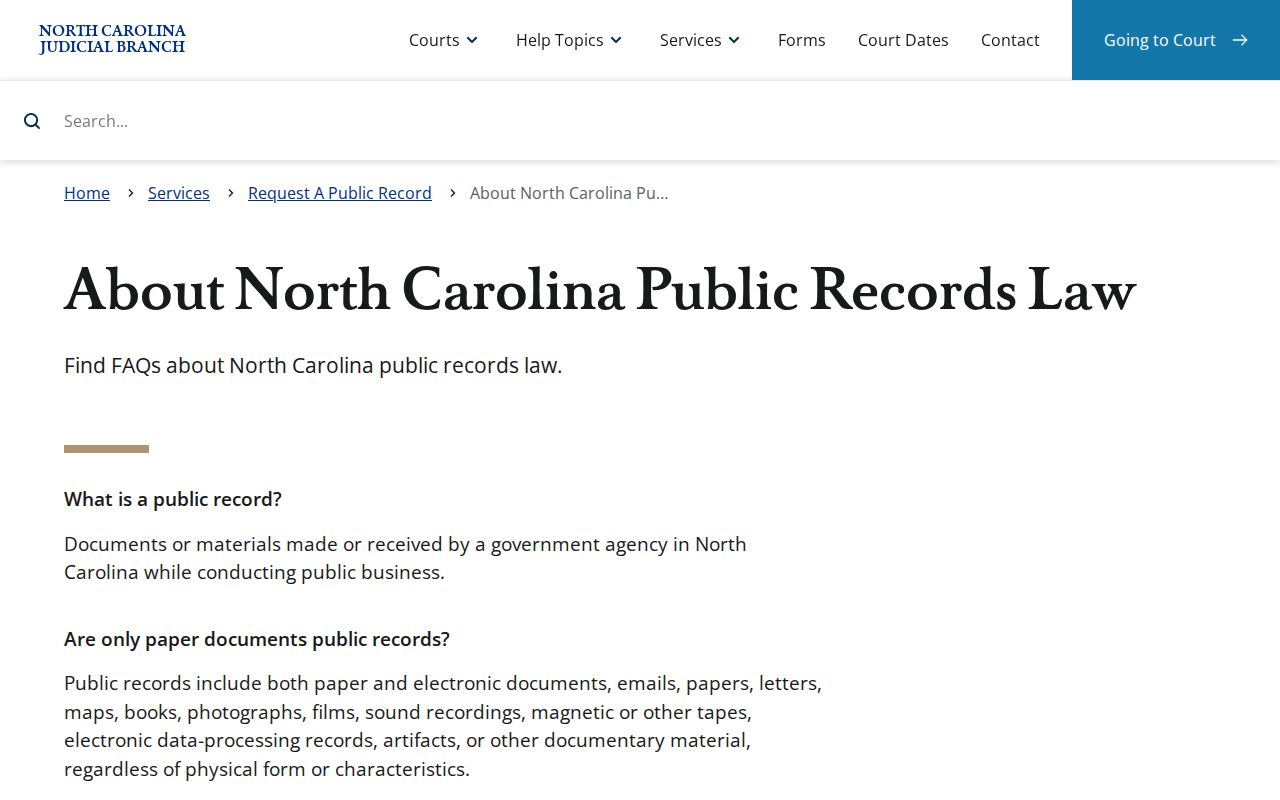
For a Jones County court case file, those general principles work alongside two local realities. The Clerk has its own custodian role, and court confidentiality limits still apply.
Which Cases Stay Restricted
Jones County public access is real, but the law limits it. The Clerk maintains records, files, dockets, and indexes under confidentiality rules. Juvenile records carry statutory protection. Expunction records are confidential. Sealed matters may rest on a court order or a statute. So a missing result proves nothing. It does not mean a Jones County case never existed. It gives no basis to infer a protected record.
Protective-order cases sit in a middle ground. They have qualified public status. Yet the Portal FAQ says some data elements stay offline and elevated access rules apply. A Jones County public terminal or clerk inquiry may confirm a case the remote view hides. The access boundary itself still stands. Public date-of-birth output is masked too. That is one more reason not to share search-result details about another person.
For any status, seal, or restriction question, ask the Jones County Clerk or a legal-advice source. Do not guess from an incomplete web screen. Portal access is not permission to compile, publish, or repeat someone else's case details.
Jones County Docket Search Authority
A Portal Case Summary or Register of Actions can appear within minutes after upload. Volume and processing affect the timing. It is still not the official court record. The official Jones County court copy stays with the Clerk of Superior Court. A Portal printout is never a certified copy. For an official, certified, or exemplified Jones County record, contact the Clerk with the case number and the item you need.
The NCAOC cannot certify Jones County court case files because it is not their custodian. Its request path covers NCAOC administrative records only. Knowing that distinction keeps a court-file request from going to the wrong agency. The Jones County Clerk actually holds the record. The NCAOC administrative-record request entry serves agency material, not clerk requests.
For a Jones County court file, call the Clerk of Superior Court at (252) 448-6220 or visit the clerk office at 101 Market St., Trenton, during its posted weekday public hours. The statewide court-records guidance treats Portal views, clerk public terminals, and clerk-office files as three different access channels, each with its own reach.
Note: A Jones County Portal view can help you identify a case, but only the Clerk can supply an official or certified court copy when the record is available.
Jones County Search Routing
What you type into the Jones County Portal depends on what you already know. A Jones County case number is the fastest search term. Just enter it and go. A name search works too. But narrow it with location and date filters so the Jones County docket results stay manageable. Citations follow a different route. Those run through the Jones County court path tied to the ticket. For a hearing date, skip the general search. Use Jones County Search Hearings or the Jones County calendar instead.
| Jones County search need | Jones County source | Jones County limit |
|---|---|---|
| Jones County case number | Jones County Smart Search. | Jones County case-number criteria should be exact. |
| Jones County party name | Jones County Smart Search. | Jones County broad results may need filters. |
| Jones County citation | Jones County Citation Number search type. | Jones County citation status does not prove payment eligibility. |
| Jones County court date | Jones County Search Hearings. | Jones County court call order can change. |
| Jones County civil date | Jones County civil calendar. | Jones County calendar entries need confirmation. |
| Jones County criminal date | Jones County criminal calendar. | Jones County setting can be reset or continued. |
| Jones County official copy | Jones County Clerk. | Jones County Portal views are not certified. |
| Jones County administrative record | NCAOC request process. | Jones County case files remain with the Jones County Clerk. |
Treat Jones County search results as pointers, not verdicts. A no-match, a limited view, or a status term is only a clue about where the court record lives. The full docket sits in the proper Jones County record channel, so follow the lead there before drawing any conclusion about a case.